Try hairstyles before a salon visit
A practical guide to previewing hairstyles on your own photo, comparing lengths and shapes, and adjusting the fit before you save a look.
Read the guideAI Beauty & Grooming Studio
Upload a photo or take a selfie to preview hairstyles, hair colors, beard shapes and makeup, and explore photo-based skin estimates – processed in your browser.
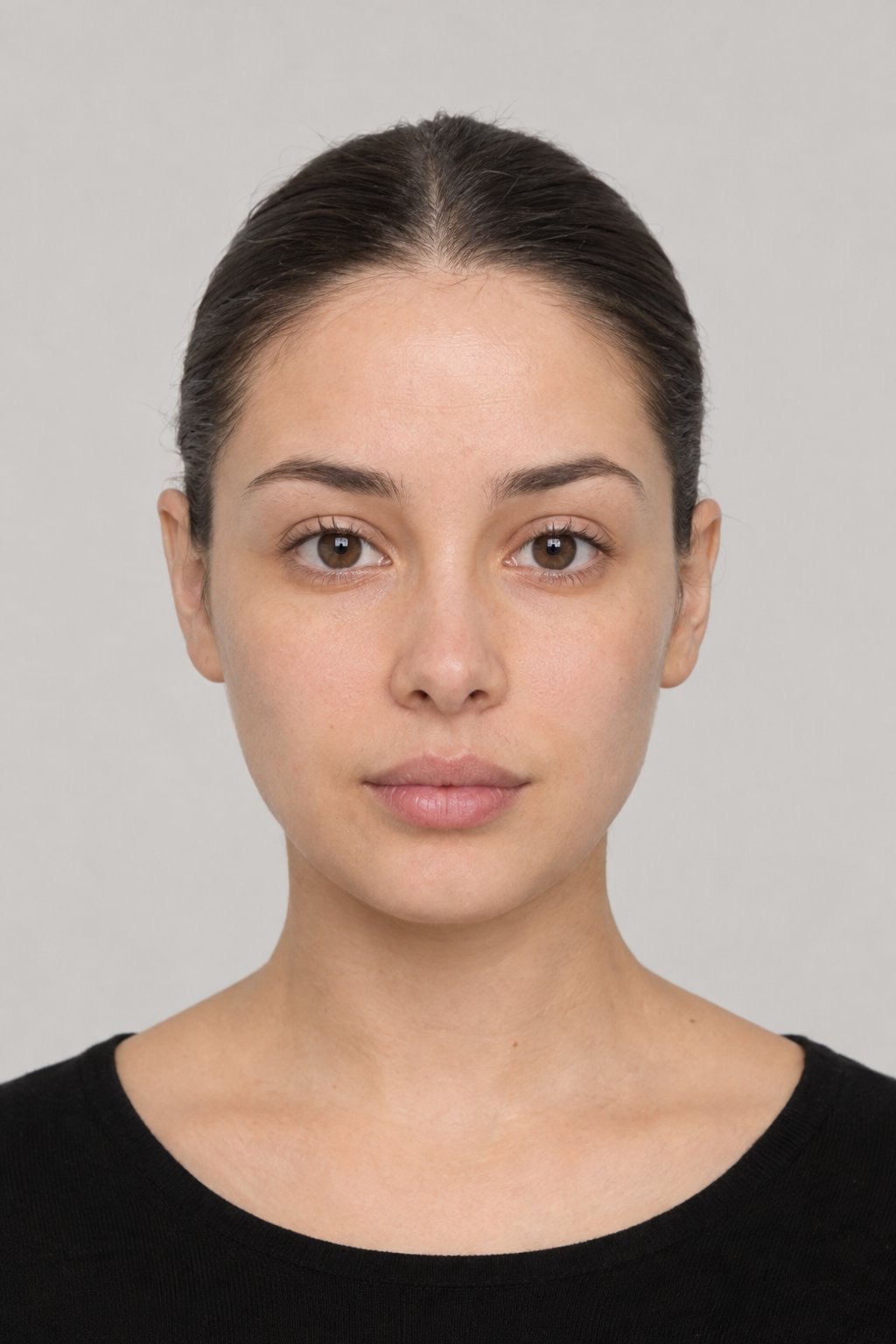
Compare bobs, waves, curls, pompadours, buns and more, positioned from facial landmarks in your photo.
Explore shades with image-based hair selection that preserves some of the source photo’s texture and lighting.
Preview stubble, boxed beards, goatees, moustaches and fuller shapes along your detected jawline.
Explore photo-based skin indicators, tone and undertone estimates, optional overlays, and general routine ideas.
Try lipstick finishes, eyeshadow, liner, blush and contour, with color suggestions based on estimated undertone.
Measures 478 landmarks to estimate face shape and explore haircut and beard ideas.
Read the face-shape haircut guideUse a clear, evenly lit photo. Straight-on and gently angled views work best; extreme profiles or covered features may reduce fit accuracy.
On-device neural networks map 478 landmarks and segment your hair.
Try styles, colors, beards and makeup. Compare & download.
Results are visual simulations for inspiration and are not a medical diagnosis.
A thoughtful guide to virtual try-on
AI Beauty Studio is a browser-based way to explore hairstyles, hair color, beard shapes, makeup, and photo-based skin and face estimates. Use a photo or take a selfie, compare ideas, and save the versions you want to discuss. The previews are visual starting points, not salon promises or medical advice.
Even light and visible facial features help the on-photo previews fit more consistently.
Try a few options and refine color, fit, or intensity instead of settling for the first result.
The studio analyzes your selected photo locally for this experience; see the privacy notice for site-wide data practices.
AI Beauty Studio guides
Learn how to prepare a photo, use the controls, interpret suggestions, and understand where an image-based preview has limits.
A practical guide to previewing hairstyles on your own photo, comparing lengths and shapes, and adjusting the fit before you save a look.
Read the guideLearn how to compare virtual hair colors, choose a clear photo, and understand what an on-screen color preview can realistically show.
Read the guideCompare beard and moustache shapes on your photo, adjust color and density, and use the preview to plan a grooming conversation.
Read the guideExplore makeup presets, individual colors, and adjustable intensity with a practical guide to getting a more useful virtual try-on.
Read the guideA step-by-step guide to using Custom Makeup to test suggested shades, control intensity, and create a look that feels personal.
Read the guideLearn what the studio’s skin estimate can show, how to read its routine ideas, and why a photo cannot diagnose a skin condition.
Read the guideSee how facial landmarks support the studio’s face-shape suggestions and how to use those suggestions for hair and beard ideas.
Read the guideA practical guide to matching haircut ideas with face shape, hair texture, personal style, and the amount of upkeep you actually want.
Read the guideThe studio creates visual estimates from a single image. Hair and beard previews cannot show hidden or unseen areas, and lighting, pose, hair texture, and image quality can affect fit. Skin and face-shape results are not clinical assessments or judgments about your appearance. Use the previews to explore preferences, and consult a qualified stylist or healthcare professional for advice specific to you.
Read our privacy noticeAllow Google Analytics to measure site visits and usage. It may use cookies and process technical information. Your photos and scan results are not sent to Google Analytics. Your choice applies until you reload or leave the site.
Read our Privacy Policy and Cookie Policy.